 Rocket Timer
Rocket Timer
Rocket Timer
Free Event Timer
The free professional countdown timer for live events
v1.2.0
Hardware Control
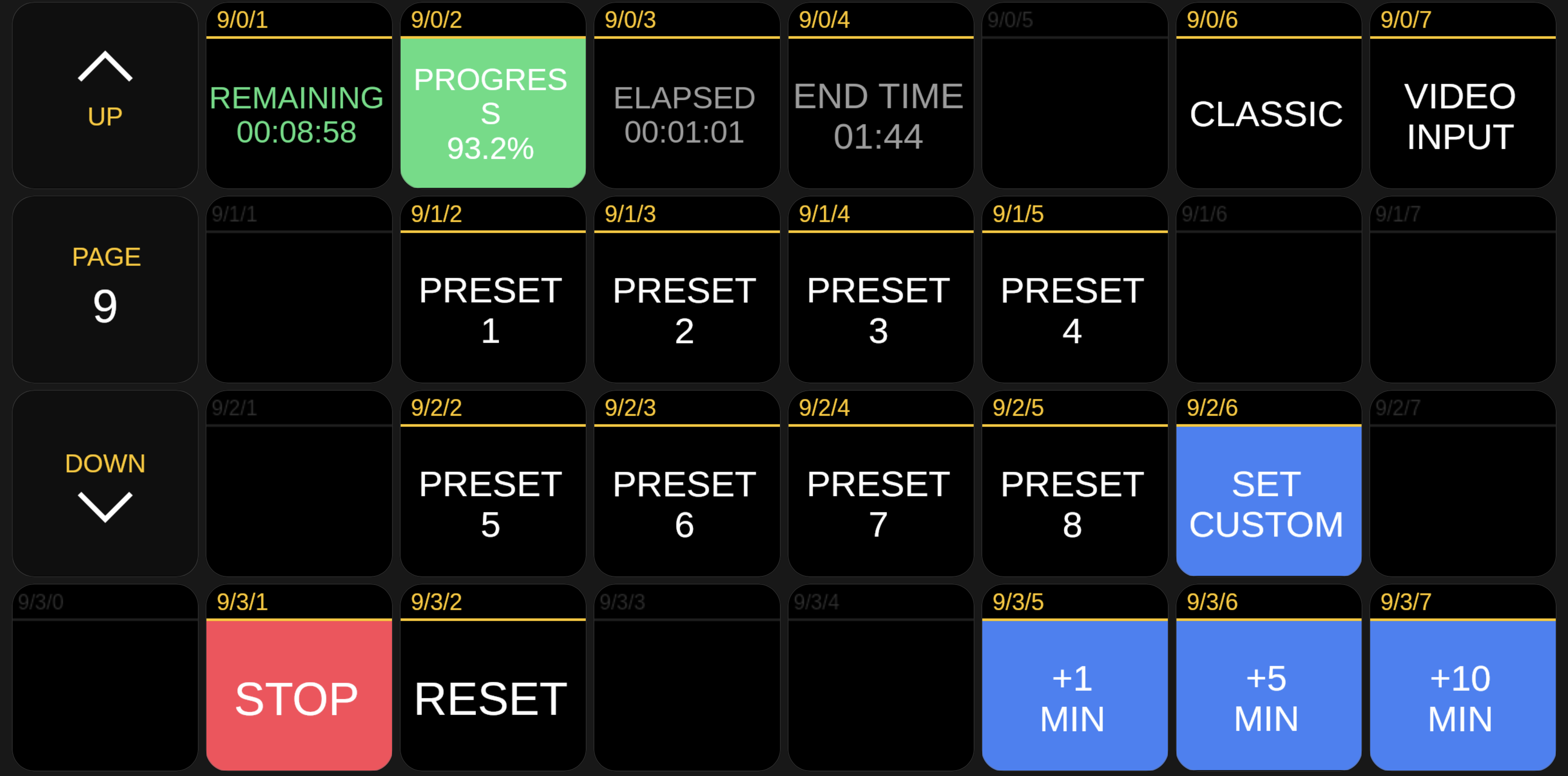
The official Bitfocus Companion module gives you hardware control of Rocket Timer from any device or Stream Deck on your network. Start, stop, reset, load presets, send messages, and more — all from physical buttons with dynamic feedback.
Features
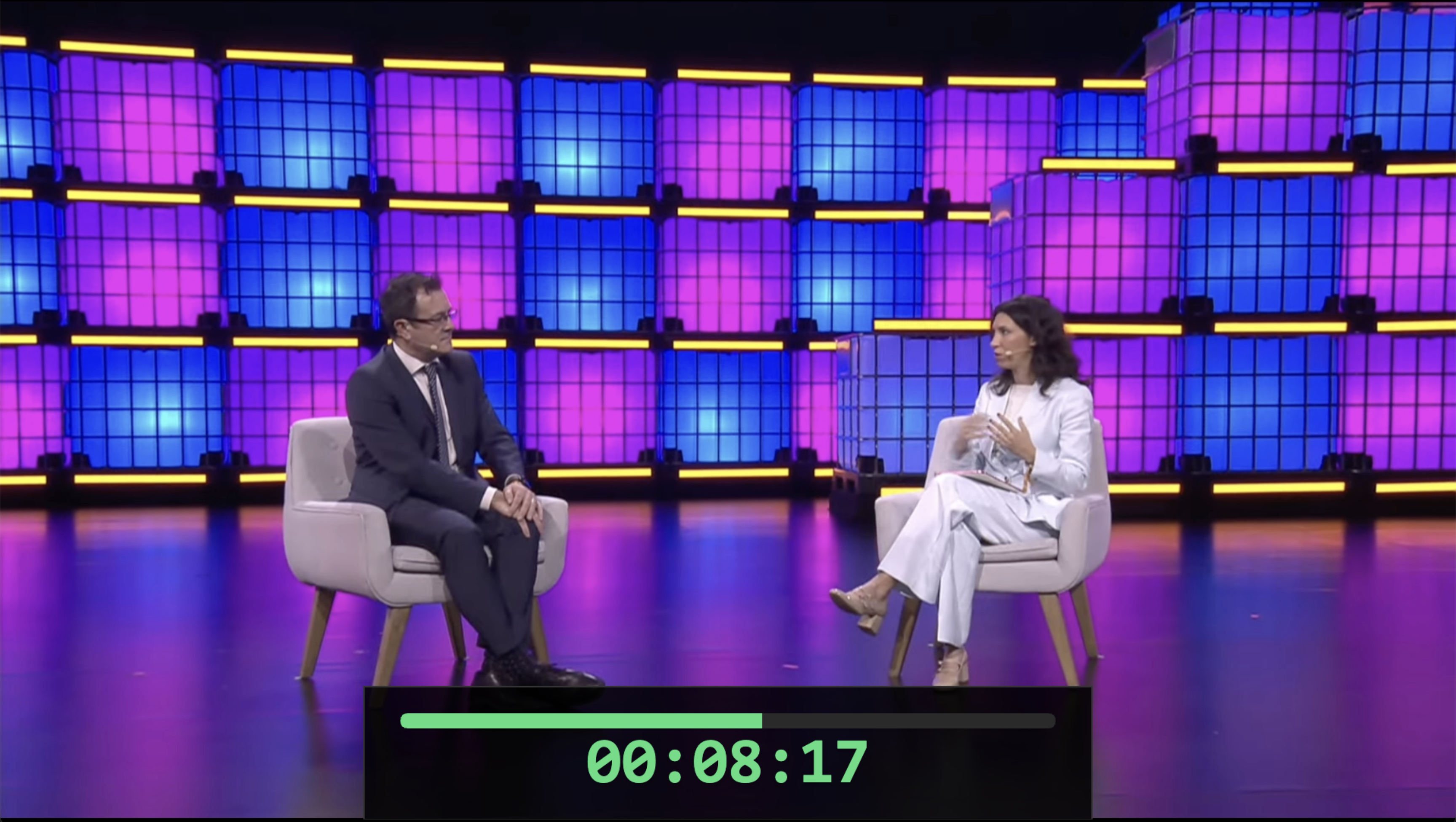
Insert a live video input layer directly into your countdown layout. Connect a webcam, HDMI capture card, or any video source and overlay it alongside your timer. Perfect for speaker cameras on confidence monitors, live event feeds, or picture-in-picture production setups.
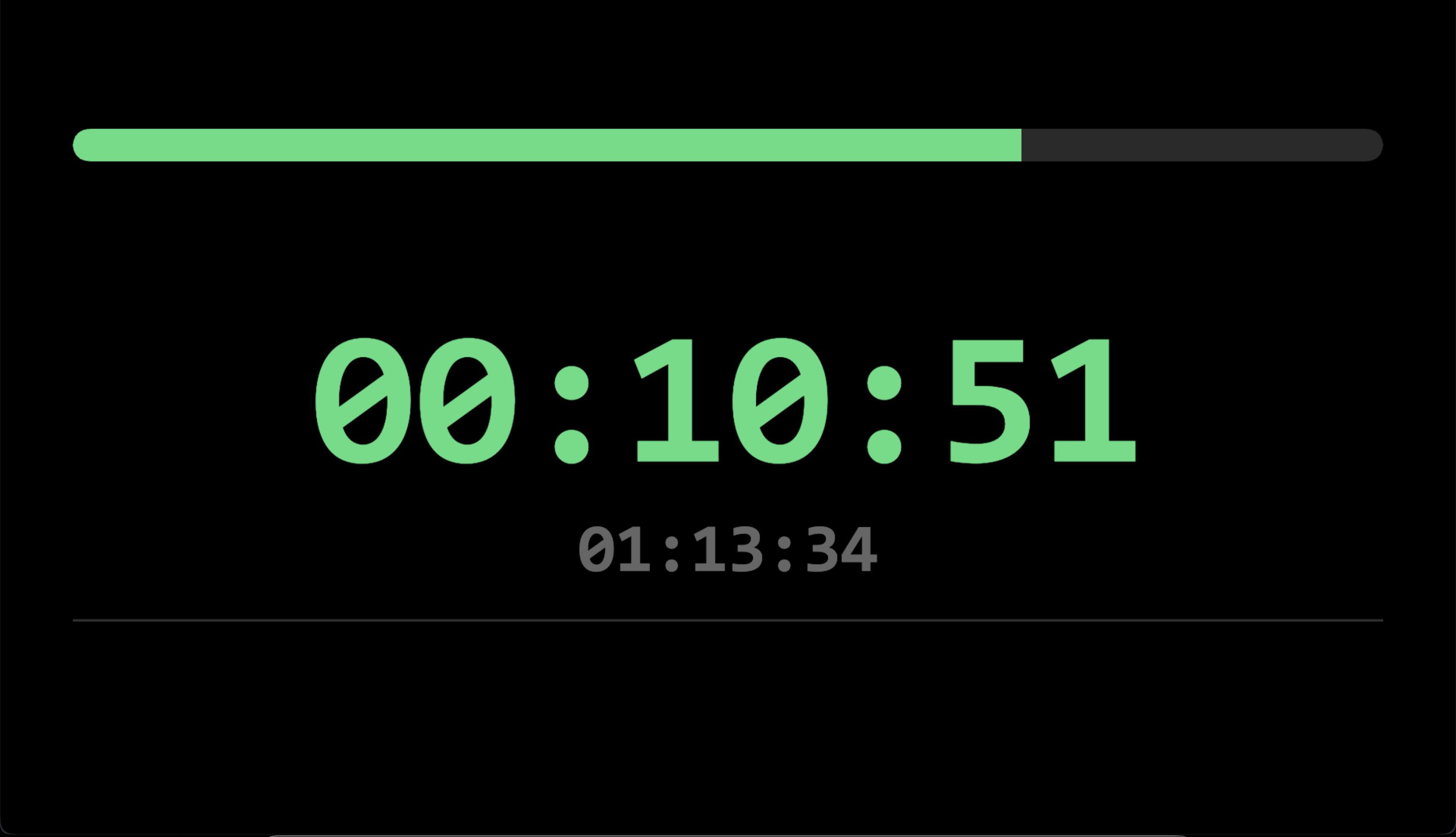
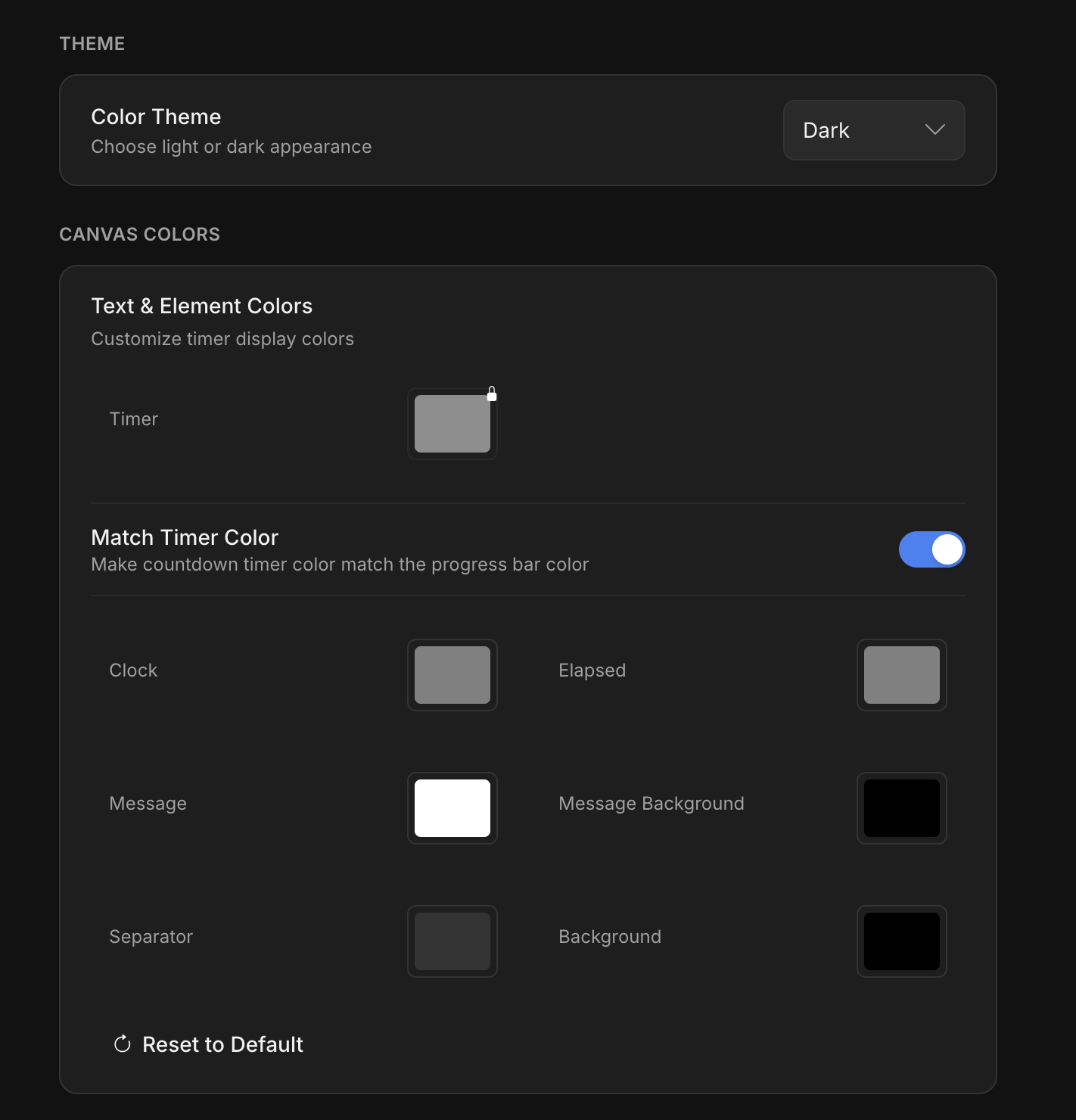
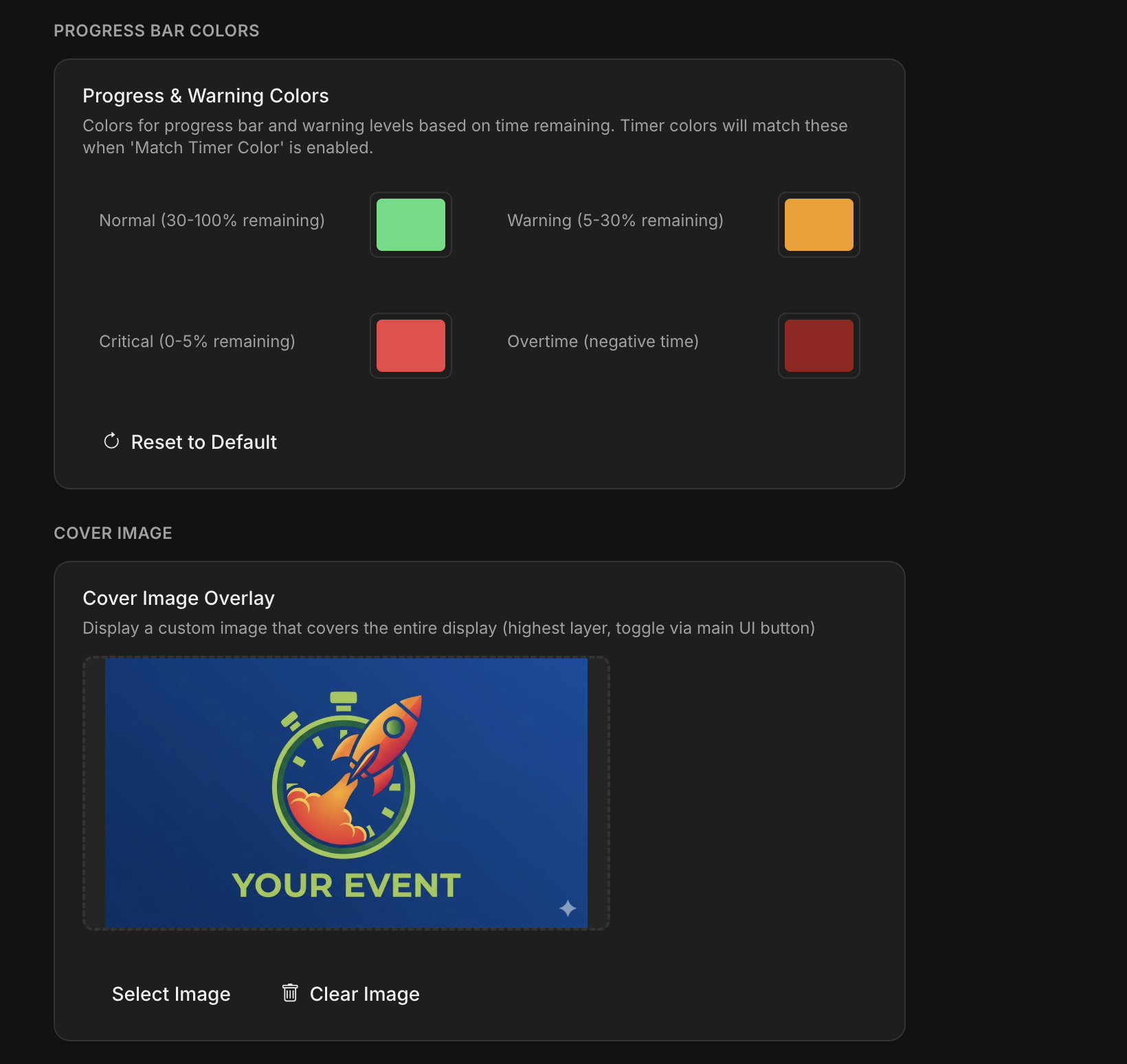
Every detail is customizable. Set a background image for your event branding. Add a feature cover image that displays between countdowns. Change text colors, progress bar thresholds, clock format, and canvas resolution. Choose from six built-in layouts or build your own from scratch with the visual drag-and-drop editor.
# Set timer to 15 minutes
curl -X POST \
  http://localhost:9999/api/timer/set \
  -H "Content-Type: application/json" \
  -d '{"minutes": 15}'

# Start the countdown
curl -X POST \
  http://localhost:9999/api/timer/start

# Get current state
curl http://localhost:9999/api/timer/stateControl Rocket Timer from anywhere on your network with three built-in protocols. Use the REST API for scripting and web dashboards. Connect via WebSocket for real-time bidirectional state. Or plug into your lighting desk and audio consoles through OSC. Add a Companion with the Bitfocus Companion module for tactile hardware control.
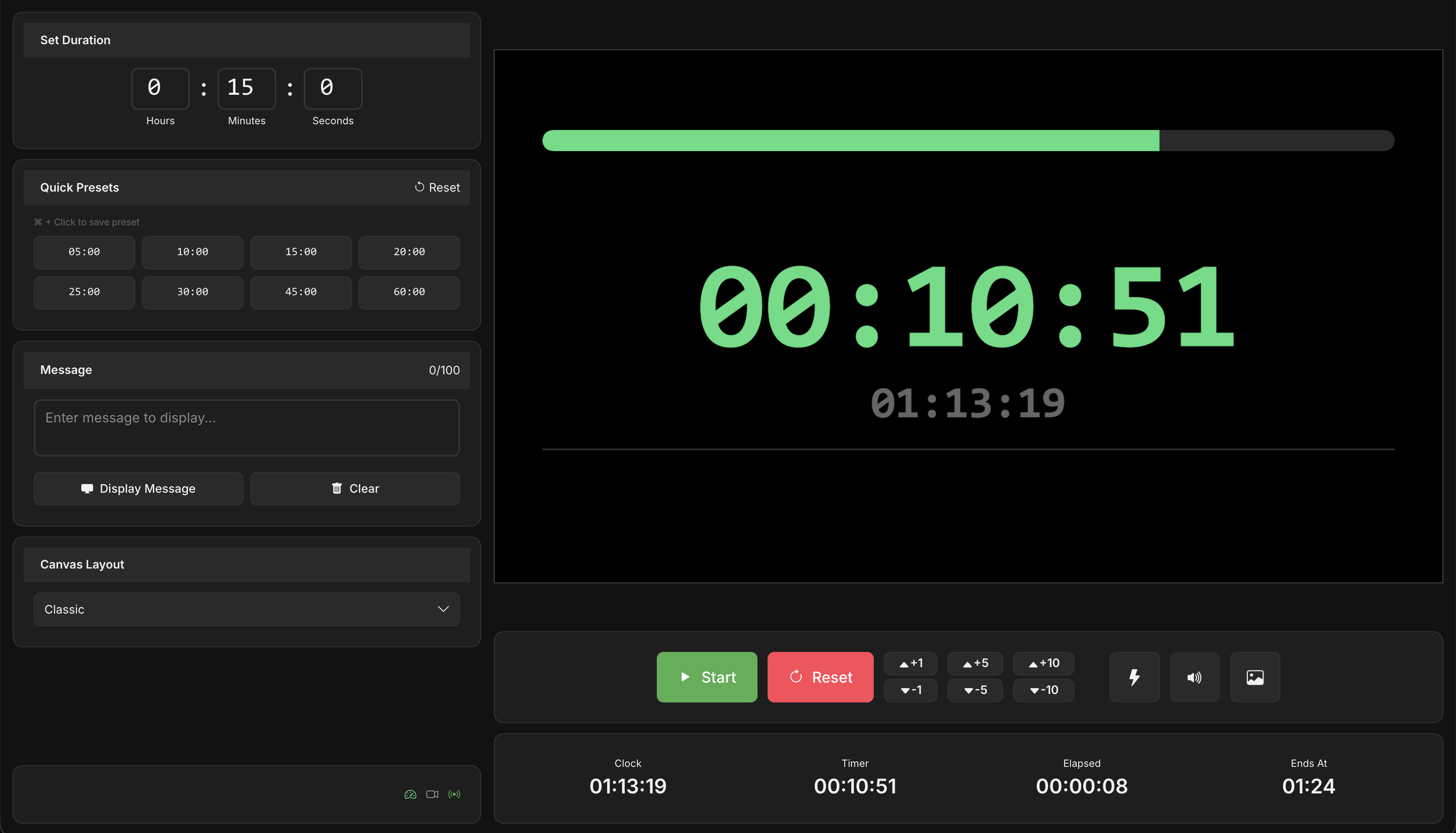
One-click access to your most-used durations. Save with Ctrl+Click or long-press.
Full keyboard control. Space for start/stop, R for reset, arrow keys to adjust.
Six built-in layouts plus a visual drag-and-drop editor for creating your own.
Display real-time messages on the timer screen. Perfect for cueing speakers.
Audio alerts and full-screen flash at timer completion. Custom sound upload.
Add or subtract time on the fly for those moments where you need to silently rush your event.
Integrations
Control Rocket Timer from anywhere on your network using the protocol that fits your setup.
Full control over timer state, presets, messages, and settings through a clean RESTful interface. Perfect for scripting and web dashboards.
Subscribe to live timer updates with sub-second latency. Receive state changes the instant they happen. Ideal for custom display clients.
Standard OSC protocol support for integration with lighting consoles, show controllers, and other production equipment on your network.
Free, and always will be. No ads. No tracking. No subscriptions.
v1.2.0
Whether it's a Sunday service, a TEDx stage, a corporate keynote, or a basement DJ set — we want to see it. Tag us, send us a photo, or just say hi. Your setup might end up right here.
Thanks for sharing!
We'll check it out. You might see your setup featured here soon.
Tell us what's missing and we'll make it happen. Seriously — this app is built by people who use it on show day.
Message sent!
We'll get back to you soon. Thanks for reaching out.
If this app brings you value, consider sponsoring its development—every bit helps keep it evolving.
Sponsor on GitHub